
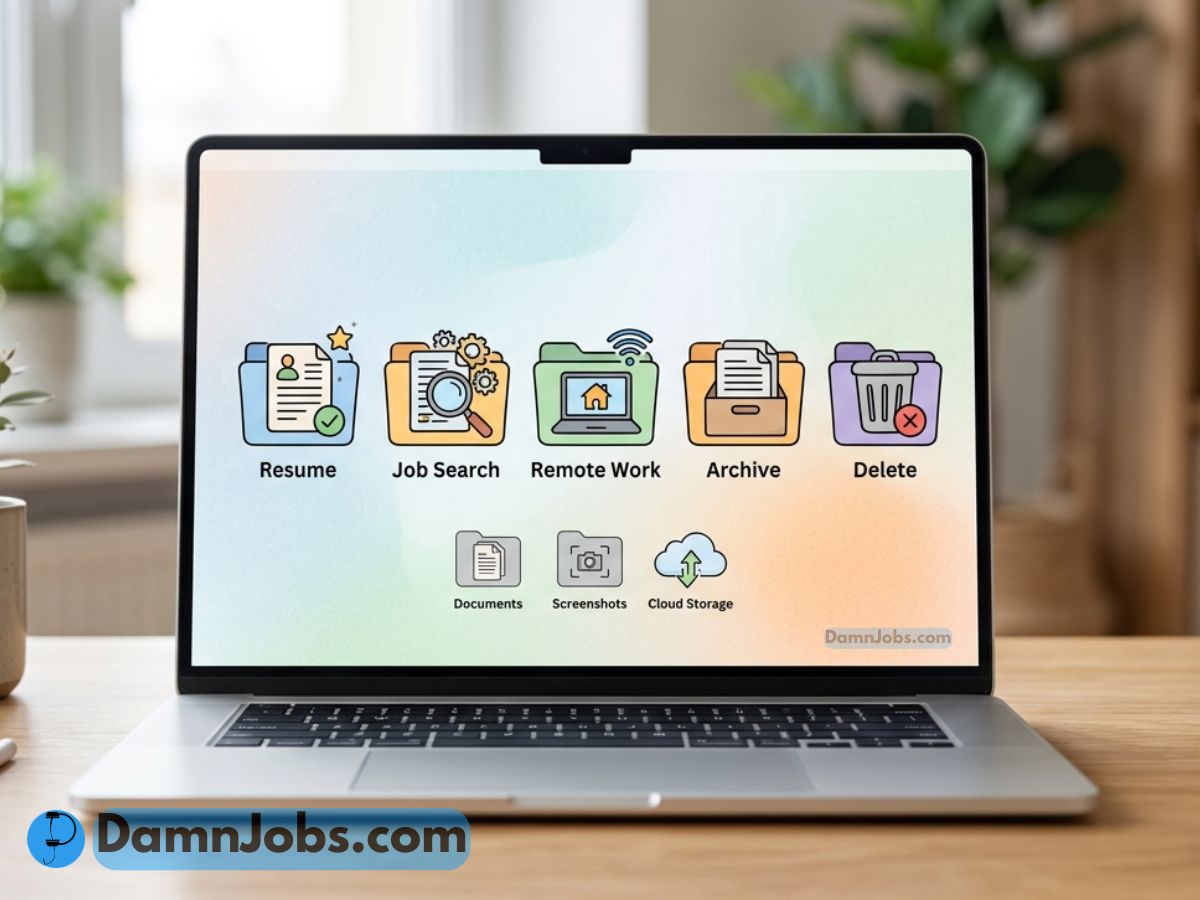
How to Declutter Digital Files for Work, Job Searching, and Remote Jobs
Your computer might look clean on the outside…
But your Downloads folder is probably fighting for its life.
Old resumes. Random screenshots. Duplicate PDFs. Canva exports. Job descriptions you forgot about. Files named final-final-real-final.pdf.
If you are job searching, working remotely, freelancing, or building anything online, digital clutter can slow you down fast.
The good news?
You do not need a perfect file system. You just need a simple one you can actually use.
Why Digital Decluttering Matters for Your Career
When your files are messy, small tasks take longer.
You waste time looking for the right resume. You accidentally upload the wrong cover letter. You lose the job description before the interview. Or worse, you send a file called resume-old-bad-version.pdf.
Not exactly the professional look we’re going for.
The Digital Clutter Problem
Here is what usually creates the biggest mess:
Digital Clutter Trouble Areas
Downloads Folder
Desktop
Old Resumes
Screenshots
Start With the 3-Folder System
Do not create 40 folders on day one. That is how people quit.
Start with only three:
| Folder | What Goes Inside | Why It Helps |
|---|---|---|
| Keep | Current resumes, active job applications, work files, important documents | Keeps your daily work easy to find |
| Archive | Old projects, past applications, completed work, tax records | Stores things you may need later without cluttering your workspace |
| Delete | Duplicates, blurry images, old screenshots, junk downloads, failed exports | Clears space and reduces mental clutter |
Organize Your Job Search Files
If you are applying for jobs, create one main folder called:
Job Search 2026
Inside that folder, create these:
- Resumes
- Cover Letters
- Job Descriptions
- Interview Notes
- Applications Submitted
- References
This makes your job search feel less chaotic and more like a real system.
Create a Resume Folder System
One resume is usually not enough.
You may need different versions depending on the role.
| Resume File | Use It For |
|---|---|
| resume-master-2026.docx | Your main editable resume |
| resume-remote-jobs-2026.pdf | Remote job applications |
| resume-customer-service-2026.pdf | Customer service jobs |
| resume-cybersecurity-2026.pdf | Cybersecurity or IT jobs |
Use Better File Names
Bad file names create confusion.
Good file names save time.
Better: john-smith-remote-customer-service-resume-2026.pdf
Use this simple formula:
name-role-filetype-year
Example:
tutu-remote-support-resume-2026.pdf
Clean Your Desktop Before Remote Work
Your desktop should not look like a digital garage sale.
If you work remotely, your desktop is part of your workspace.
A cleaner screen helps you:
- Focus faster
- Find files quickly
- Avoid sharing embarrassing file names during screen share
- Feel more organized before starting work
Delete These Files First
Start with the easy wins.
- Old screenshots
- Duplicate downloads
- Blurry images
- Old resume versions
- ZIP files you already extracted
- Random PDFs you no longer need
- Failed Canva exports
- Temporary video files
Digital Decluttering Checklist
- Clean your Downloads folder
- Move important files into the right folder
- Delete duplicate resumes
- Rename important files clearly
- Create a Job Search folder
- Archive old projects
- Empty the trash after reviewing
- Back up important files
Before deleting old files or clearing out important folders, it is smart to back up anything you may need later. Microsoft has a simple guide on how to back up your folders with OneDrive.
Common Digital Decluttering Mistakes
1. Trying to Organize Everything in One Day
That sounds productive, but it usually turns into frustration. Start small.
2. Creating Too Many Folders
If your system is confusing, you will stop using it.
3. Keeping Every Old Resume
You do not need 17 old resumes. Keep the master version and the best current versions.
4. Not Backing Up Important Files
Important documents should not live in only one place. Use cloud storage, an external drive, or both.
The 15-Minute Digital Declutter Plan
If you feel overwhelmed, do this:
- Spend 5 minutes deleting obvious junk
- Spend 5 minutes moving important files into folders
- Spend 5 minutes renaming your most important files
That’s it.
You do not need to fix your whole digital life today.
Related Career Resources
- Need help cleaning up your resume? Check out our resume writing service.
- Compare your resume to a job description before applying.
- Explore remote and flexible work tips.
- Browse more career advice on DamnJobs.
Final Thoughts
Digital clutter may not look like a big deal, but it can quietly slow down your job search, remote work, and daily productivity.
A clean file system helps you feel more in control.
You can find your resume faster. You can apply to jobs with less stress. You can work without hunting for the same file over and over again.
Start with your Downloads folder.
Then organize your job search files.
Then keep it simple going forward.
Your computer does not need to be perfect. It just needs to stop working against you.